
LuckyOnes app: mobile access and installation
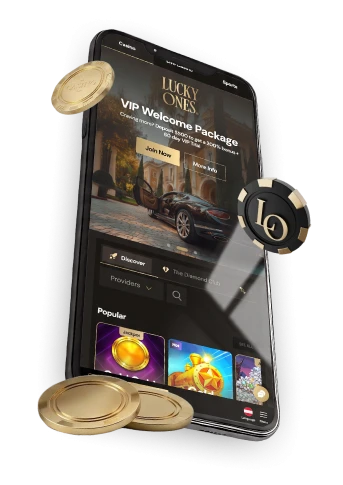
The LuckyOnes app guide covers opening Lucky Ones in a mobile browser and adding a home-screen icon on iOS or Android. The installation route uses your phone’s browser controls. Account users must be at least 18, subject to applicable laws and account eligibility rules.
Mobile access to the Lucky Ones casino app
You can open the Lucky Ones casino app pages in a mobile browser without adding a home-screen icon. From the casino home page, you can launch an available game.
The browser-installed web experience supports account sign-in, casino and live-casino play, deposits and bonus access, subject to the applicable account and promotion conditions. Adding an icon is an optional way to return to the mobile pages.
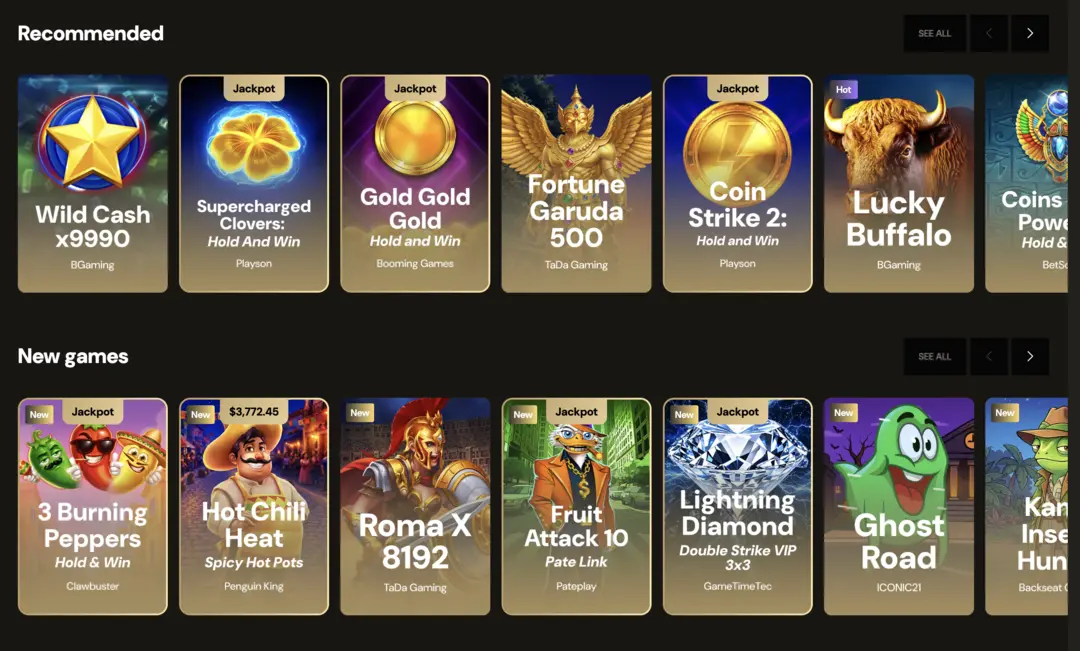
Lucky Ones casino app download: add a browser shortcut
When looking for a Lucky Ones casino app download, the supported installation route adds a home-screen icon through your phone’s browser controls. Open LuckyOnes in your mobile browser first, then follow the steps for your device.
- On iOS, use the browser Share menu and choose Add to Home Screen.
- On Android, open the browser menu and choose Install or Add to Home Screen.
- After browser installation, use the added home-screen icon to reach account sign-in.
You can also continue opening the casino directly in your mobile browser without adding an icon.
Browser vs app: what a Lucky Ones casino download means
A Lucky Ones casino download in this context means adding a browser home-screen icon. You can instead open the LuckyOnes casino on a mobile device and launch an available game from the casino home page without that step.
The icon provides a route back to the mobile pages for account sign-in. The browser-installed experience also supports casino and live-casino play, deposits and bonus access, subject to the applicable conditions.
Sign in to Lucky Ones on mobile
The home-screen icon provides a route to account sign-in. You can also open the mobile pages directly in your browser.
To access the Lucky Ones online casino from your phone, use LuckyOnes login. To reset a forgotten password, choose Log In and then Forgot Password?.
If the reset cannot be completed or you cannot access the email linked to your account, contact customer care through live chat or the support email shown on the casino website. Identity must be confirmed before the reset.
Troubleshoot Lucky Ones mobile access
If the mobile page will not load, try opening it directly in your browser before checking a home-screen icon or account sign-in. These are general device checks, not changes to your account.
- Check your connection, then open the mobile pages in your browser and refresh.
- If the page remains stuck, close and reopen the browser, then check for browser or device updates.
- If the browser page opens but the home-screen icon does not, remove and recreate the icon using the iOS or Android steps above.
- Clear site cache or cookies only if needed; doing so can sign you out, so check that you have your sign-in details first.
- For a forgotten password, choose Log In then Forgot Password?. If the reset fails or your account email is inaccessible, contact customer care through live chat or the support email shown on the casino website; identity confirmation is required before the reset.
You can add a free Lucky Ones casino app shortcut without a download: use the browser steps above, then recreate the icon if it stops opening.
Lucky Ones mobile FAQs
How do I add Lucky Ones to my iPhone or Android home screen?
On iOS, open Lucky Ones in your browser, use Share, then choose Add to Home Screen. On Android, open the browser menu, then choose Install or Add to Home Screen. The added icon provides a route to account sign-in.
Can I use Lucky Ones on my phone without adding a home-screen icon?
Yes. You can open Lucky Ones on a mobile device and launch an available game from the casino home page. Adding an icon is a separate convenience.
What should I do if I cannot reset my password on mobile?
Choose Log In and then Forgot Password? to start a reset. If it cannot be completed, or you cannot access your account email, contact customer care through live chat or the support email shown on the casino website. Identity must be confirmed before the reset.